Image Deepfake Detector — Real Photo or Face Swap?
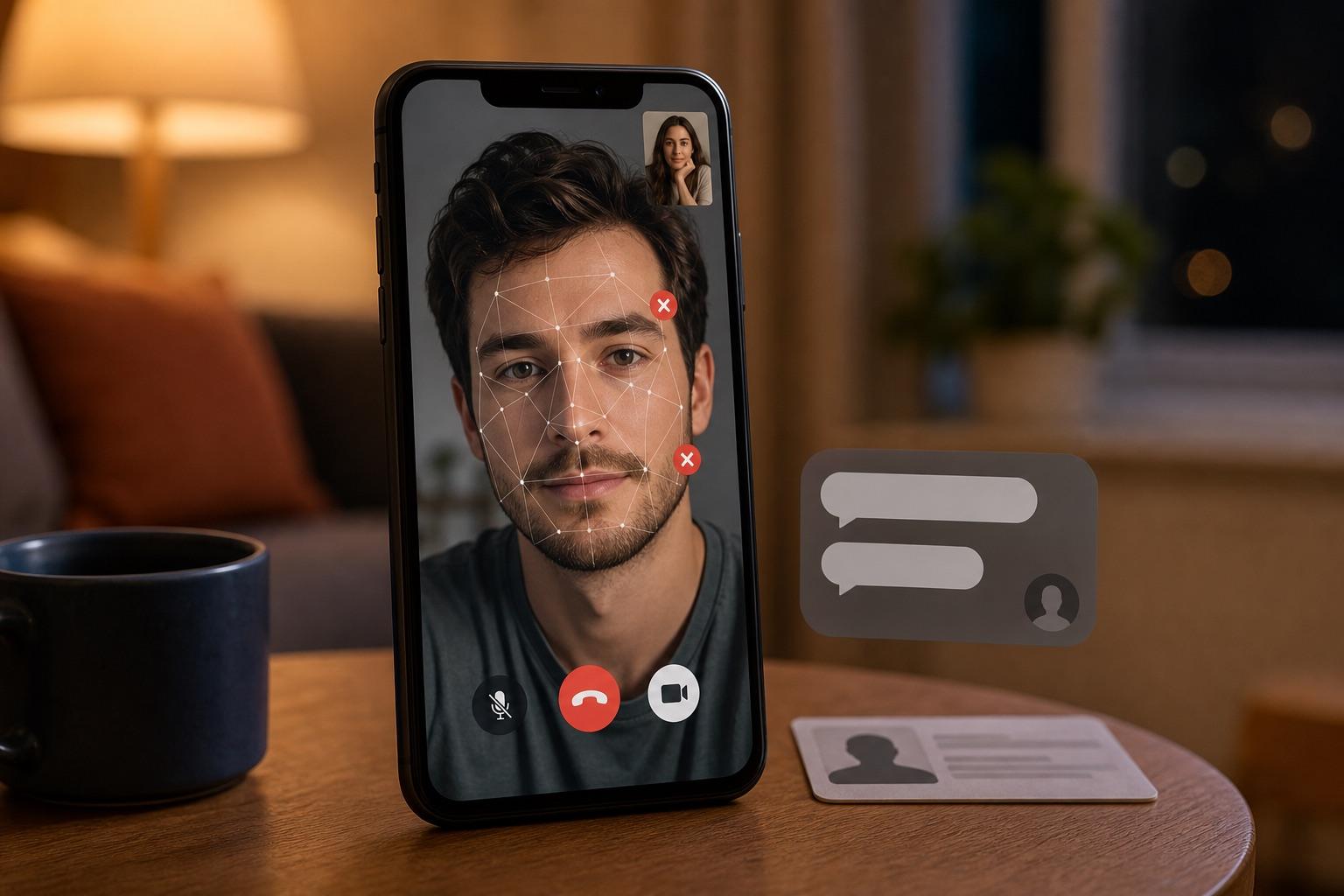
Upload a photo and the image deepfake detector checks every face in it for swaps and AI edits, with a score and a box for each one.
What you get
Face 1 59%·Face 2 4%
What is a deepfake image?
A deepfake image is a photo in which a real person's face has been swapped with someone else's or changed with AI, while the rest of the picture stays real.
Face-swap apps and AI editors now do in seconds what used to take hours in Photoshop. The result passes a quick glance, especially on a phone, which is why fake faces turn up in profile photos, IDs and news images.
Kinds of fake faces in photos
Face swap
One person's face pasted onto another person's photo.
AI face edit
A real face with its age, expression or features changed by AI.
Fully AI-generated face
A person who never existed, often used for fake profiles. For these, check whether the whole picture was made by AI.
Morphed ID photo
Two faces blended so one photo can pass as either person.
Deepfake photo vs AI-generated image
The two overlap, but they're different questions. This page answers the first one.
Deepfake photo
- Starts from a real photo
- Only the face is swapped or changed
- Checked here, face by face
AI-generated image
- Made from scratch by a model like Midjourney
- Every pixel is synthetic
- Checked as a whole picture, not face by face
That's why a portrait made entirely by AI can come back "Unclear" here: no real face was swapped. To find out whether the whole picture was made by AI, run it through the AI Image Detector.
How does a deepfake detector for images work?
The image deepfake detector looks at each face on its own, because a swap usually touches only the face and leaves the rest of the photo real.
Upload a photo
JPG, PNG, WebP or BMP, up to 10MB. The original file works best.
Every face is found and scored
The detector finds each face and scores it for signs of swapping or AI editing.
See which face looks wrong
Each face gets a numbered box and its own score, so in a group photo you can see exactly which one was changed.
What your deepfake score means
The image deepfake detector scores each face from 0 to 100. Higher means stronger signs that the face was swapped or altered.
0–39
No sign of face manipulation
No signs of a swap. The image can still be AI-generated or edited in other ways.
40–69
Unclear
Some signs, not enough to call. Try the original file or a sharper copy.
70–100
Likely face swap or edit
Strong signs a face was swapped or altered. Don't trust or share it without checking the source.
No face found No clear face to check, so there's no deepfake score.
How to spot a deepfake photo yourself
An image deepfake detector is faster, but it helps to know where to look. These signs get rarer as the tools improve.
 12345
- 1
Hairline and jaw
Blurry seams, or skin that doesn't match the neck.
- 2
Eyes
Mismatched reflections or an odd, unfocused gaze.
- 3
Mouth and teeth
Teeth that smear together or don't line up.
- 4
Skin and light
Skin that's too smooth, or shadows that fall the wrong way.
- 5
Earrings and glasses
Earrings that don't match, or frames that bend into the face.
Signs of a low-end deepfake photo
- A blurry or smeared outline around the face
- Skin tone that doesn't match the neck or hands
- Lighting on the face that doesn't match the scene
- Teeth, ears or earrings that look melted
Check the context too
Run a reverse image search to find older copies, look at who posted it first, and ask the person for another photo taken today.
Where fake faces show up
Fake faces travel as profile pictures, ID selfies and viral photos. These are the moments to check.
A new match's photos look a little too perfect.
Check each profile photo before you share anything personal.
A customer's ID selfie looks slightly off.
Check the selfie and the ID photo before you approve the account.
A shocking photo of a public figure is going viral.
Check the face before you repost it.
A recruiter's profile picture seems too polished.
Check the photo and look the company up yourself.
Someone shares an intimate photo of you that you never took.
Save the link and screenshots, check it here, and report it to the platform.
A teacher needs real examples for a media-literacy lesson.
Show how face swaps get caught, alongside checks like the CRAAP test.
What a photo deepfake check can't tell you
An image deepfake detector gives you evidence, not a verdict you can take to court. Photo results get less reliable when:
- the photo is a screenshot or has been re-saved many times
- beauty filters or heavy retouching smooth the skin
- faces are small, side-on, covered or blurry
- there's no face in the photo, so there's no deepfake score
Use the score as one signal, and check where the photo came from.
Image deepfake detector FAQ
It's a tool that checks a photo for signs that a real person's face was swapped or changed with AI. This one finds every face in the photo and gives each its own score and box.
Look closely at the hairline, jaw, eyes, teeth and lighting, then run the photo through the detector. Use the original file if you can, since screenshots hide the signs.
In a photo: a blurry or smeared outline around the face, skin that doesn't match the neck, mismatched earrings or glasses, odd teeth, and lighting on the face that doesn't match the rest of the picture.
No. A deepfake changes a real person's face in a real photo; an AI-generated image is made from scratch. This page checks faces. To check whether a whole image was made by AI, use the AI Image Detector.
Yes. Every face it finds gets a numbered box and its own score, listed from most to least suspicious, so you can see which face was changed.
The face check needs a clear face. Very small, side-on or covered faces may not be found, and then there's no score. Try a photo where the face is larger and facing the camera.
Light retouching usually doesn't raise the face score, but heavy filters can. Treat an Unclear score on a filtered photo with care, and ask for an unfiltered one if it matters.
You can try it with the free credits you get when you sign up. A photo check costs 8 credits.
Uploads are processed only to run the check; see our Privacy Policy for exactly how photos are handled and retained.
Think you can spot a fake yourself?
Play AI or Not