Is This Photo Real? How to Tell If an Image Is AI-Generated in 2026
A practical 2026 guide to spotting AI-generated photos from Midjourney v7, Flux.2, GPT Image, and Imagen, covering reverse search, C2PA and SynthID limits, screenshots, and pixel detection.
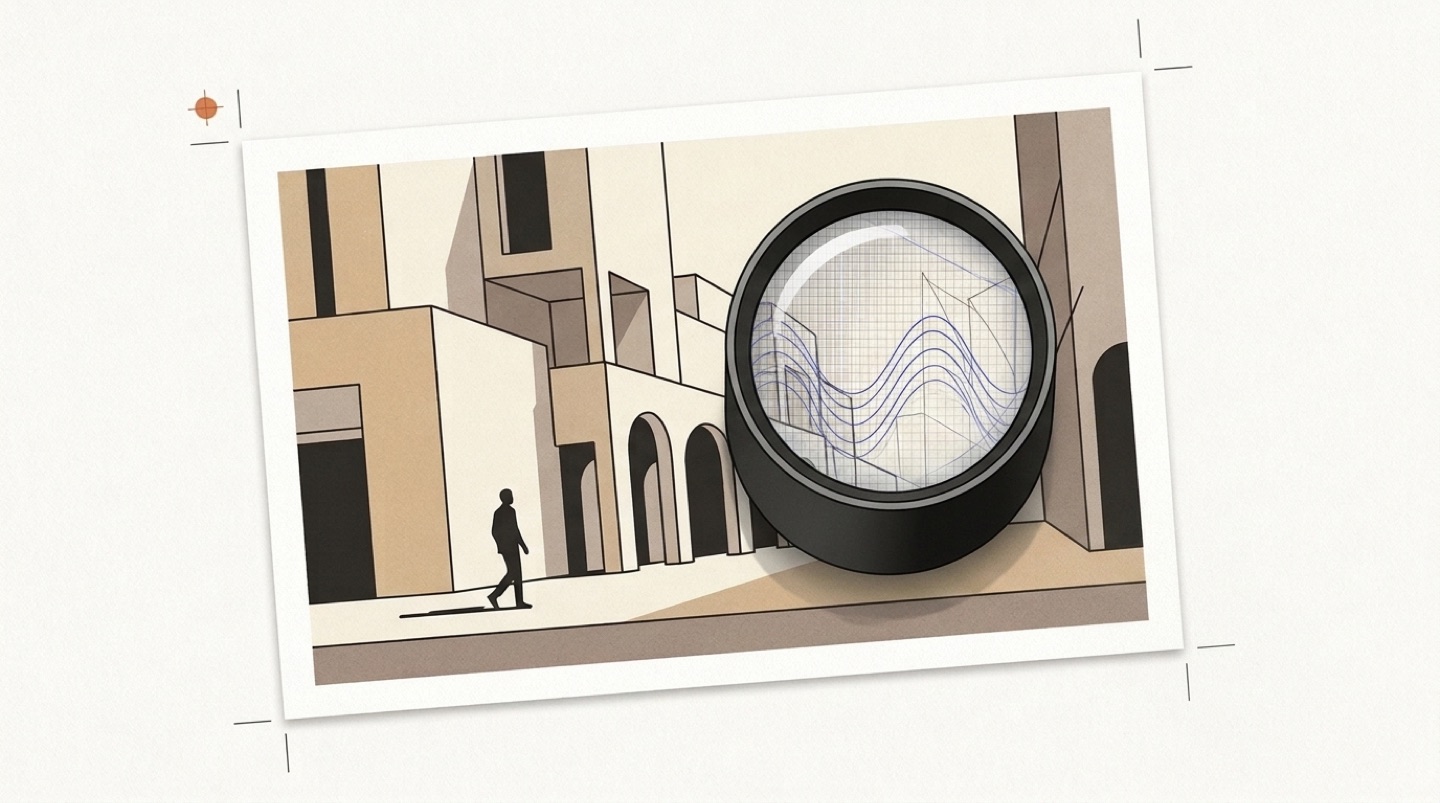
To tell if a photo is real or AI-generated in 2026, skip old habits like counting fingers. Run a reverse image search to trace where the photo first appeared, check C2PA metadata if you have the untouched file, zoom to 200% on glasses, shadows, and background lines, and scan the original file with a pixel-level AI image detector.
Not long ago, checking whether a photo was AI-generated meant zooming straight into the hands. Six fingers, melted jewelry, or unreadable café menus settled the question in seconds.
By late 2026, that shortcut fails more often than it helps. Midjourney v7, Flux.2, OpenAI GPT Image, Google Nano Banana, and Imagen 4 routinely nail anatomy, skin pores, depth of field, and crisp sign typography on the first render. Real photographers also run AI denoise and portrait touch-ups on genuine camera shots, which blurs the line even further.
When you are staring at a surprising news photo, a dating profile portrait, or a suspicious product listing, guessing by gut feel is the worst tool you have. A repeatable four-step check gets you much closer to the truth.
What is the best order to check if a photo is real?
Checking whether a photo is real works best from the outside in: verify where the image exists on the web first, inspect file metadata second, examine fine visual geometry third, and run an automated pixel scan last.
Drop the image into Google Lens or TinEye to find its earliest upload, photographer credit, or news context.
If you have the untouched file, check for C2PA Content Credentials before social compression wipes them out.
Skip the face at first. Inspect eyeglass frames, shadow directions, repeating tiles, and tiny background print.
Upload the cleanest copy (not a screenshot) to an AI image detector for an independent probability score.
What visual clues still give away AI images in 2026?
Even top-tier image generators still make quiet physical and structural mistakes because they synthesize plausible pixels rather than simulating real light, architecture, or clothing construction. The giveaways are no longer dramatic; they sit in small secondary details that casual scrolling misses.
Open the photo at full size and inspect six specific areas.
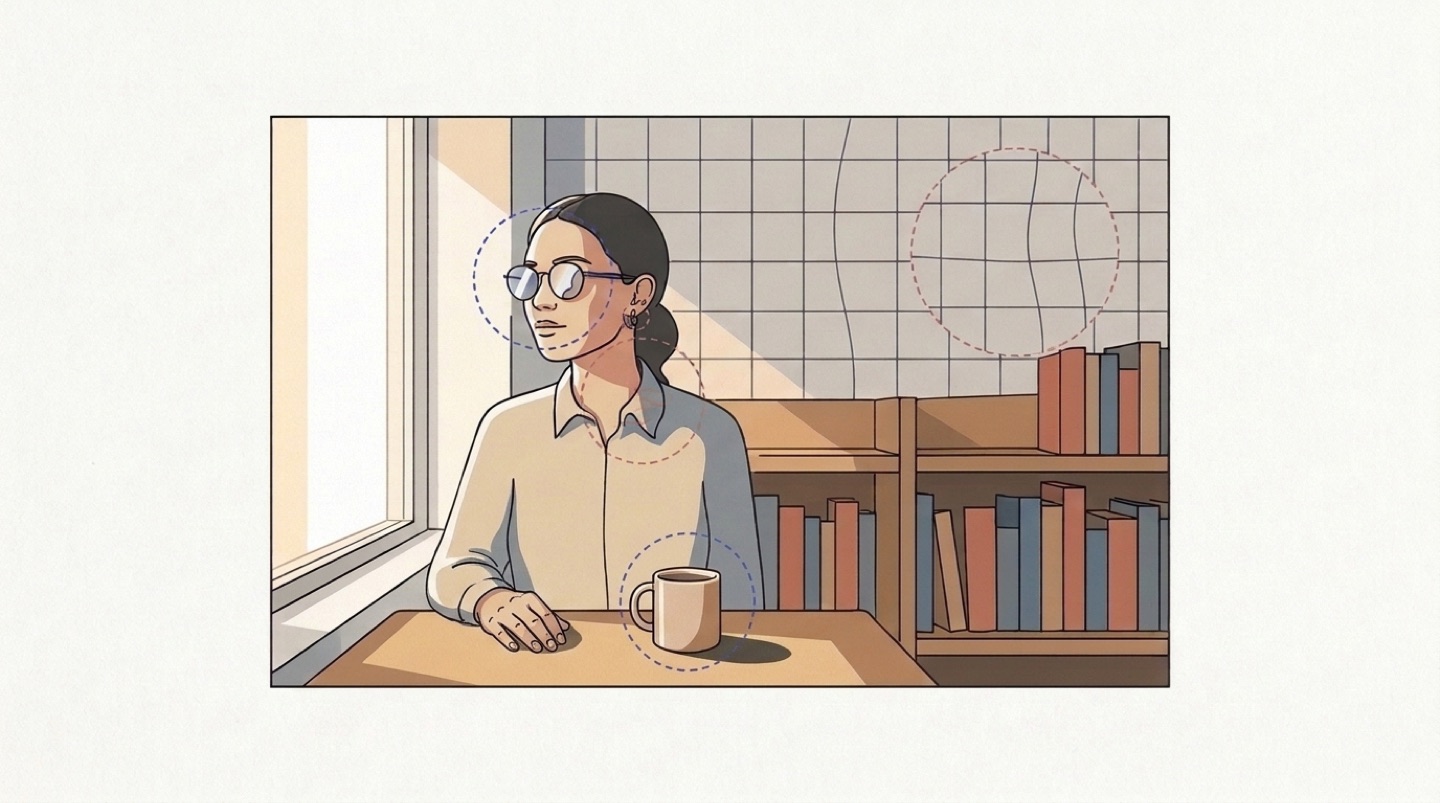
Paired items that sit on opposite sides of a face rarely match cleanly when generated. One eyeglass arm may sit higher on the ear, earrings change shape from left to right, or shirt collar stitching disappears halfway across the neck.
Generators struggle to continue a rigid architectural line cleanly behind a foreground object. Tile grout, window frames, stair railings, and fence posts often re-emerge slightly offset or gently bowed on the other side of a person's shoulder.
A real window casts every shadow in one consistent direction and shows up the same way in both eyes. Synthetic portraits frequently mix warm studio key lights with shadows pointing the wrong way, or put different catchlights in each pupil.
Real camera sensors produce consistent optical noise across the frame, while genuine skin, knit wool, and leaves contain messy irregularity. AI images often look hyper-clean in the shadows, with waxy skin transitions or wallpaper-like repeating foliage.
Headline lettering on a coffee cup or storefront sign is usually spelled right in 2026. The slip-ups moved down a size class: nutrition panels, book spines on a back shelf, license plates, and distant street signs still devolve into bent pseudo-letters.
Viral fake street photos often look too perfectly lit and centered for an unplanned moment, with dramatic golden-hour rim lighting and zero awkward background clutter. If an extraordinary real-world event has only one flawless angle, treat it with skepticism.
Can AI image detectors detect screenshots (and why file quality matters)?
Screenshots weaken every image verification method because capturing your screen destroys file metadata, re-scales the pixels, and adds fresh compression noise.
People ask this constantly because most suspicious photos show up inside Instagram, X, WhatsApp, or a dating app, where screenshotting feels easier than saving the file. The problem is that each hop strips away a different layer of evidence.
Untouched PNG, JPG, or WebP from camera or generator
Saved from Instagram, X, Facebook, or WhatsApp
Resized display capture, often with app UI bars
If a photo is on a website or social post, use Save Image (or download the full-size image on desktop) instead of taking a screenshot. If you only have a screenshot, crop out all phone status bars, captions, and app buttons before uploading it to an AI image detector.
How do C2PA, SynthID, reverse search, and pixel detectors compare?
No single verification tool covers every photo on the internet, because each method looks at a different layer of the file. Knowing what each check can and cannot catch stops you from misreading a negative result.
| Method | What It Actually Inspects | When It Works Best | Main Limitation |
|---|---|---|---|
| Reverse Image Search | Visual matches across indexed web pages | Viral news photos, stock avatars, stolen profile pictures | Cannot verify a brand-new AI image that has never been published anywhere before. |
| C2PA Content Credentials | Cryptographic signature embedded in file metadata | Untouched original exports from supporting cameras or AI tools | Stripped by almost all social uploads, messaging apps, and screenshots; absence proves nothing. |
| Google SynthID | Invisible watermark embedded in pixels | Images made by Google tools (Imagen, Gemini) and participating partners | Proprietary ecosystem; does not mark open-weight models like Flux or rival generators. |
| 200% Manual Zoom | Lighting physics, geometry, textures, fine text | Quick sanity check when an image looks slightly off | Human accuracy drops sharply on modern generators; easy to imagine flaws in real photos too. |
| Pixel-Level AI Image Detector | Diffusion/GAN pixel and frequency patterns | Newly created images with stripped metadata and zero reverse-search hits | Returns a probability score rather than proof; heavy compression or retouching adds noise. |
Why do AI image detectors sometimes flag real photos?
False positives happen when heavy post-processing overwrites the natural optical noise of a camera sensor with smooth, mathematically uniform patterns that look similar to generative output.
Before treating a high AI score on a real-world photo as an accusation, check whether the image went through any of these common edits.
| Real-World Cause | Why It Confuses Classifiers | How to Double-Check |
|---|---|---|
| AI Denoising & Upscaling | Photo tools like Lightroom Denoise or Topaz literally synthesize replacement pixel detail using neural networks. | Ask for the unedited RAW or camera JPEG before running a check. |
| Smartphone Portrait & HDR Mode | Aggressive computational skin smoothing and synthetic bokeh mimic the glossy look of generated portraits. | Look for other photos from the same shoot, lens variation, or original phone metadata. |
| Multi-Hop Compression | Forwarding a JPG through WhatsApp, Instagram, and screenshots destroys sensor noise and creates blocky artifacts. | Track down the highest-resolution upload rather than testing a tiny thumbnail. |
| Heavy Beauty Filters & Retouching | Frequency-separation retouching and app filters flatten skin pores in ways that trigger synthetic texture signals. | Compare against candid or tagged photos of the same person or product. |
Frequently asked questions
Can AI image detectors detect screenshots?
Sometimes, but screenshots noticeably reduce accuracy. Taking a screenshot rescales the image, applies fresh compression, strips out EXIF and C2PA metadata, and adds phone or browser borders that confuse pixel classifiers. Whenever possible, save and upload the original JPG, PNG, or WebP file instead.
Does posting a photo on Instagram, X, or WhatsApp strip EXIF and C2PA metadata?
Yes. Most social networks and messaging apps re-encode uploaded images to save bandwidth and remove camera privacy data, which strips EXIF fields and C2PA Content Credentials from the copy viewers download. An image without metadata is normal on the web and does not prove it is AI-generated.
Can you tell which AI model generated an image?
Not reliably by eye alone. Older models had recognizable house styles, but Midjourney v7, Flux.2, GPT Image, Nano Banana, and Imagen can all mimic candid photography. Reliable model attribution requires either intact C2PA Content Credentials, a vendor watermark like SynthID, or a pixel classifier trained on that generator.
Why would an AI image detector flag a real photograph?
Heavy JPEG compression, aggressive smartphone HDR and portrait smoothing, AI denoising or upscaling in photo editors, and heavy beauty retouching can all leave statistical patterns that resemble synthetic generation. Treat any detector score as one signal alongside source and context, never as standalone proof.
Does missing EXIF or missing C2PA prove a photo is fake?
No. Most cameras still do not sign C2PA manifests by default, and almost every social platform removes EXIF camera tags during upload. A valid C2PA signature is strong evidence of origin, whereas a missing one simply means you need other checks.
What file format gives the most reliable AI image detection result?
An uncropped, lightly compressed original PNG, JPG, or WebP gives a pixel-based detector the cleanest signal. Avoid photographing a screen with another phone or repeatedly forwarding an image through messaging apps before checking it.
Upload a JPG, PNG, WebP, or BMP up to 10 MB for a pixel-level probability score, even if social media stripped the metadata. New accounts start with 10 free credits (an image check takes 8).